
I’m choosing to re-launch my blog off of Blogger and onto WordPress.com Business Plan to better serve me and my community as a blogger. Here’s why.

Migrating from Blogger to WordPress.com to Improve My Blog
This post is sponsored by WordPress.com but all thoughts and words are my own
Get 20% off your first year of any WordPress.com Business Plan with code KYLA20 – hurry up and sign-up to take advantage of the discount!
Blogging is hard. You didn’t think I’d start this blog with that short fact, did you? Truth is, I’ve had a blog for almost TEN years and it’s taken me that long to outgrow my little Blogger blog. But after a lot of hustle and hard work, I’ve gotten to the point where I could tell it’s time to move into a “big girl” blog. It’s really exciting!

I Can Tell It’s Time To Move Onwards and Upwards
I can tell it’s time to move on from Blogger for a couple of reasons. There were constant changes that I had to figure out how to navigate all on my own on Blogger. With a more demanding social media, I simply don’t have the time to devote to learning and navigating another platform.
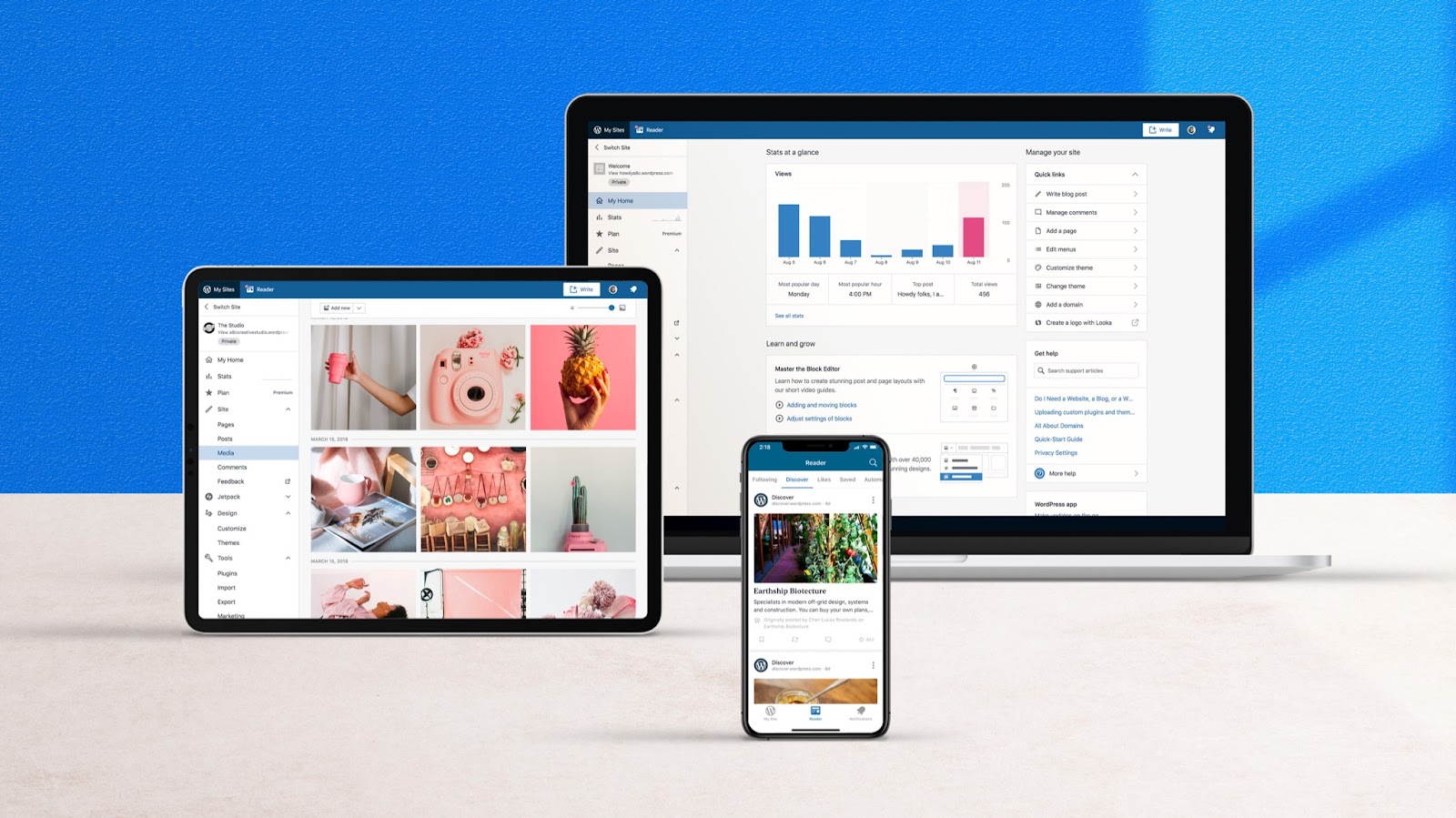
Thankfully, WordPress.com easily transfers all of my existing Blogger content seamlessly onto WordPress.com. One of the benefits I loved when researching different options on where to move my blog was finding out that WordPress.com gives you all of the benefits of the WordPress.org open source software that everyone seems to rave about, but with a “set it and forget it” setup.
With WordPress.com, I can type out my blogs and create the content that fills my cup while completely avoiding the tech side of things. I can leave all updates and security features in the much more capable hands of the real humans behind WordPress.com. Plus, they’re always available to walk me through anything if I do need the hand holding (hint: I often do).
Even more, I started to become limited by the features that Blogger offered since starting my own podcast and growing community with #MomChatMonday. What started as a platform that was simple and quick for me to navigate became something where I could only put sporadic recipes without any room for an online community or potential for ecommerce and even subscriptions or memberships… which were all things that were brewing in the back of my mind.
Simply put, after all of this time and hard work, I didn’t want to keep stifling the ideas that I finally felt capable of taking on professionally.
I Chose WordPress.com Business Plan to Grow
I chose the WordPress.com Business Plan so that I could have a totally customizable website that can grow right along with me. Since I’m growing (and hope to keep growing), budget was one of my top concerns and WordPress.com is only $300/year. While it only costs $300 a year, the value included is more like $300 a month through the one-on-one support, complete hosting, storage, security, backups, and design. The bang for my buck makes WordPress.com the clear right choice. And the most important detail that I didn’t realize at first: with WordPress.com you still own all of your content, data, and user information.
You can view more details and pricing on the WordPress.com Business Plan at www.WordPress.com/pricing.
The Plan Going Forward
The plan going forward is limitless with WordPress.com now. And I’m not entirely sure which step I’ll be taking next, but some of the things on my docket include making an official home for the #MomChatMonday community and an exclusive access for book club members.
With the ease of the WordPress.com editor, I’m looking forward to making all of my content easier to access and search for readers looking for help or a moment to connect. Now I know whether I decide to tackle e-commerce or a membership login, my new blog is up for the challenge.
Look out world!